

Fortran - Procedures#
Introduction#
In this exercise you will learn how to write your own procedures (functions and subroutines) and use them efficiently. We will explore this with the Python programming language.
Information#
Topic |
|
|---|---|
Concepts |
|
Skills |
|
Procedures#
Fortran procedures are independent blocks of code that perform specific tasks to keep code organised and reusable. There are two types of procedures in Fortran:
Functions return a single result and are used directly inside mathematical or logical expressions.
Subroutines do not return a value directly, but they can modify multiple input arguments. They can be used with the
callstatement.
Arguments#
Arguments allow information to be passed to a procedure. The intent(in)
attribute means that the function receives the value but does not modify it.
Functions#
A function is a named block of code that performs a calculation and returns a value.
function f_add_values(a, b) result(total)
    real, intent(in) :: a, b
    real             :: total
    total = a + b
end function f_add_values
There are a few ways to define a function. The above is a common way to define a function (named f_add_values in our case) and explicitly state what its result is (total in our case).
For larger projects, it can be useful to indicate what is a function, subroutine, or constant.
We therefore used the prefix f_ to let other programmers identify it immediately as a function.
Subroutines#
A subroutine is another reusable procedure. Unlike a function, a subroutine does not return a value through its name. Values can instead be returned through arguments.
subroutine s_add_values(a, b, total)
    real, intent(in) :: a, b
    real, intent(out) :: total
    total = a + b
end subroutine s_add_values
Call a subroutine using call:
real :: total
call s_add_values(2.0, 3.0, total)
A subroutine will also allow the return of multiple values. Consider the example below:
subroutine s_use_values(a, b, total, product)
    real, intent(in)  :: a, b
    real, intent(out) :: total, product
    total   = a + b
    product = a * b
end subroutine s_use_values
Here, the subroutine carries out 2 calculations and returns the results as two separate
values (total and product)
Cashier Function Example#
Let us explore functions a little more through another example. Remember that a function is a unit of code that performs a specific task based on so called input arguments, i.e. options and values you pass to the function when calling it, to calculate and return one value. A useful analogy for this is a cashier desk at a store.
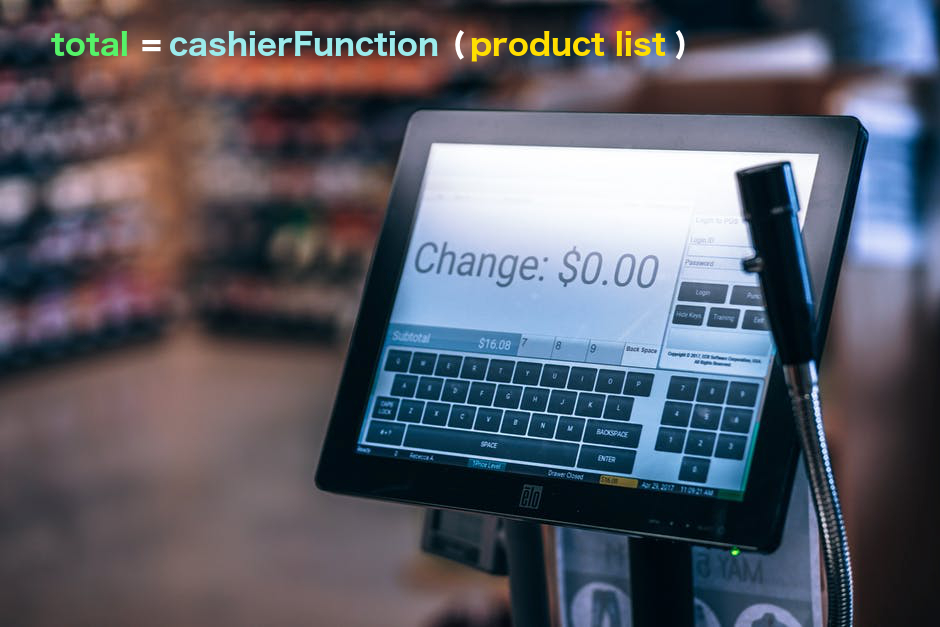
Create cashier.f90:
module cashier
    implicit none
contains
    real function lookup_price(product)
        character(len=*), intent(in) :: product
        if (product == "apples") then
            lookup_price = 1.50
        else if (product == "dogfood") then
            lookup_price = 12.00
        else
            lookup_price = 0.0
        end if
    end function lookup_price

    real function calculate_total(product_list)
        character(len=*), intent(in) :: product_list(:)
        integer :: i
        calculate_total = 0.0
        do i = 1, size(product_list)
            calculate_total = calculate_total + lookup_price(product_list(i))
        end do
    end function calculate_total
end module cashier
The lookup_price function returns a product price. The
calculate_total function loops over the product list and adds the prices.
Note
Using if statements for anything like this is not particularly elegant.
Instead, we would read prices from a file and/or use Fortran’s derived types,
which allow you bundle different data under a single name. In this case, we could
have a derived type called product that stores the product name and price.
Now create our main programme, from which we use the procedures cashier_example.f90:
program cashier_example
    use cashier, only: calculate_total
    implicit none

    character(len=20) :: products(3)
    real :: total

    products = [character(len=20) :: "apples", "apples", "dogfood"]

    total = calculate_total(products)
    print *, total
end program cashier_example
The explicit character length in the array constructor ensures that all elements have the same length.
Compile both files together:
gfortran cashier.f90 cashier_example.f90 -o cashier_example
Run the programme:
./cashier_example
Unit Converter Module#
Let’s look at another example of functions. Create unit_converter.f90:
! This is a module consisting of several function to convert units.
module unit_converter
    implicit none
contains

    function f_k2c(kelvin) result(celsius)
        ! This function converts Kelvin to Celsius.
        ! Input (argument): value in Kelvin
        ! Output (returned): value in Celsius

        real, intent(in) :: kelvin
        real             :: celsius
        celsius = kelvin - 273.15
    end function f_k2c

    function f_c2k(celsius) result(kelvin)
        ! This function converts Celsius to Kelvin.
        ! Input (argument): value in Celsius
        ! Output (returned): value in Kelvin

        real, intent(in) :: celsius
        real             :: kelvin
        kelvin = celsius + 273.15
    end function f_c2k

end module unit_converter
Use the functions from a programme:
program convert_example
    use unit_converter, only: f_k2c, f_c2k
    implicit none

    print *, f_k2c(10.3)
    print *, f_c2k(20.0)
end program convert_example
Compile and run:
gfortran unit_converter.f90 convert_example.f90 -o convert_example
./convert_example
You could extend this module with additional conversion functions, including the millimetres-per-day and millimetres-per-annum conversions. Thematically, it would fit within the same module.
Note
It’s best practice to have your file names match the module names, and to
have one file per module. The module unit_converter should therefore
be saved in a file named unit_converter.f90.
Your Task#
In the previous exercise you calculated the mean grade while ignoring the
missing-value marker -9999.0. Restructure that programme using functions.
Create one function for each method you used to calculate the mean, and place both functions in a module. Your main programme should then import and call the functions.
Think carefully about:
what information each function needs as input
what value each function should return
where the decision about
-9999.0should be madehow the main programme uses the functions
how the functions are stored in a separate module